- Home
- Our Solution
Employee Relations
Training & Development
Performance Management
Compensation & Benefit
- Ektefa for Me?
- Why Ektefa
- Pricing and Plans
- Knowledge BaseView all articles
The Most Important Professional Certifications in Your Career as an HR Manager

HR KPIs : How to Truly Measure Your Department’s Success

The Journey of Rest and Productivity: A Comprehensive Guide to Leaves in Saudi Labor Law (Including Legal Texts)
Mudad Compliance : The Smart Way to Automate Your Payroll Process

The Definitive Guide to Calculating End of Service Benefits: Navigating Saudi Labor Law with a Professional Farewell - Career
عربي
Smarter Design. Faster Results.
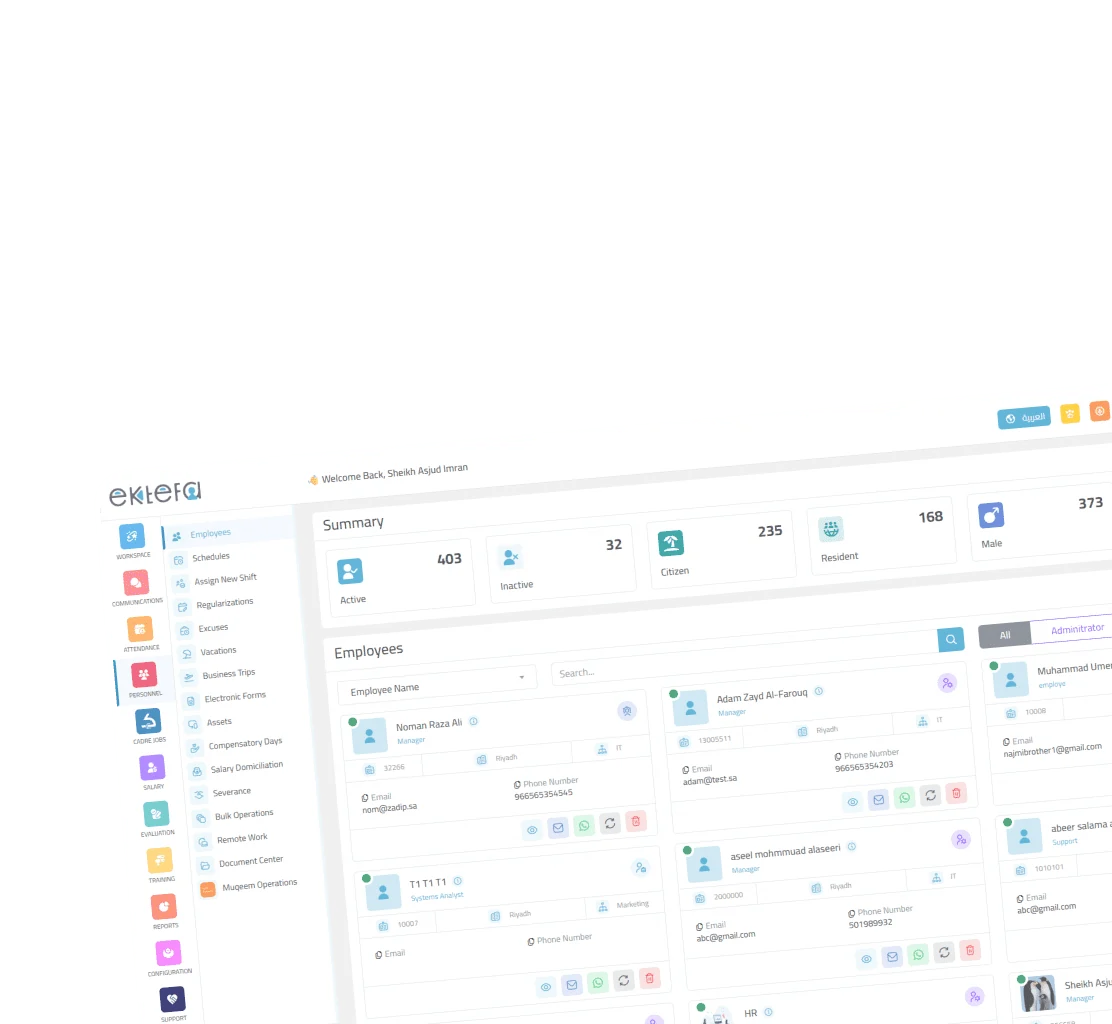
We have re-imagined Ektefa to deliver a cleaner, faster, and more intuitive HR experience. The new design is not just a facelift — it is a complete improvement in usability that accelerates leave, attendance, and payroll processes, reduces errors, and highlights priorities at a glance.
Why the redesign?
Efficiency first
Streamlined workflows for your most frequent tasks: approving leave, onboarding employees, closing payroll, and more.
Clarity where it matters
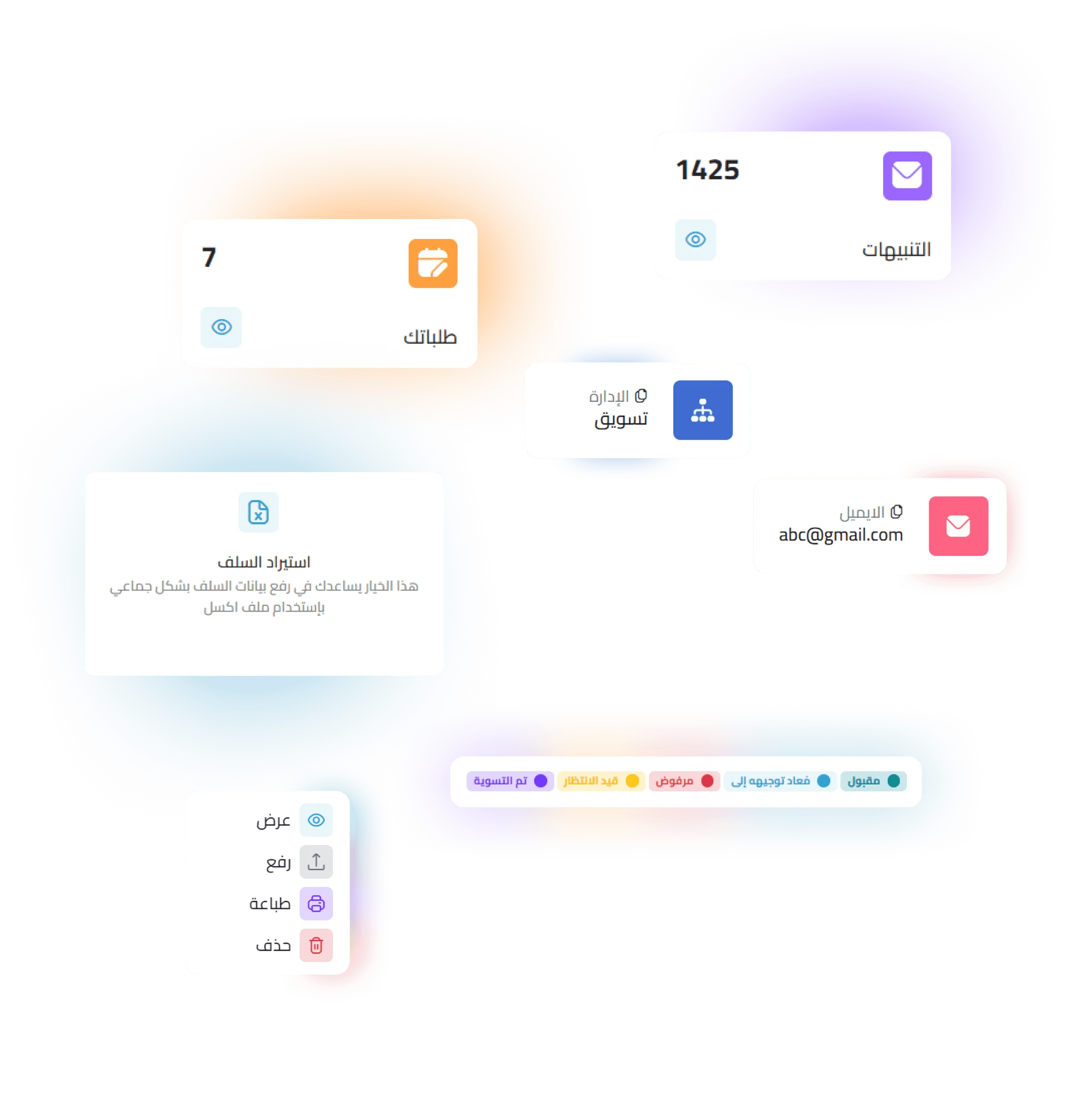
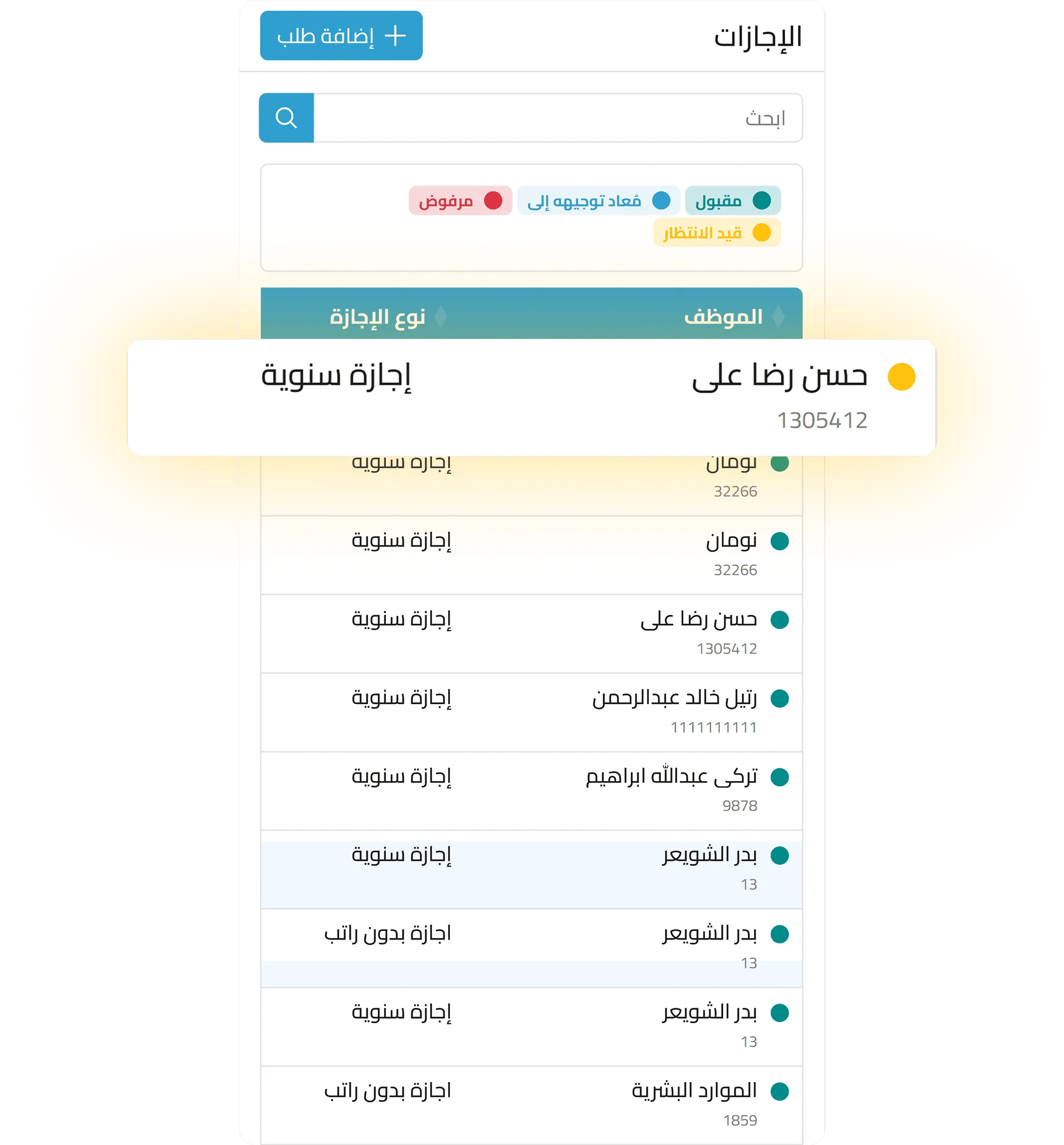
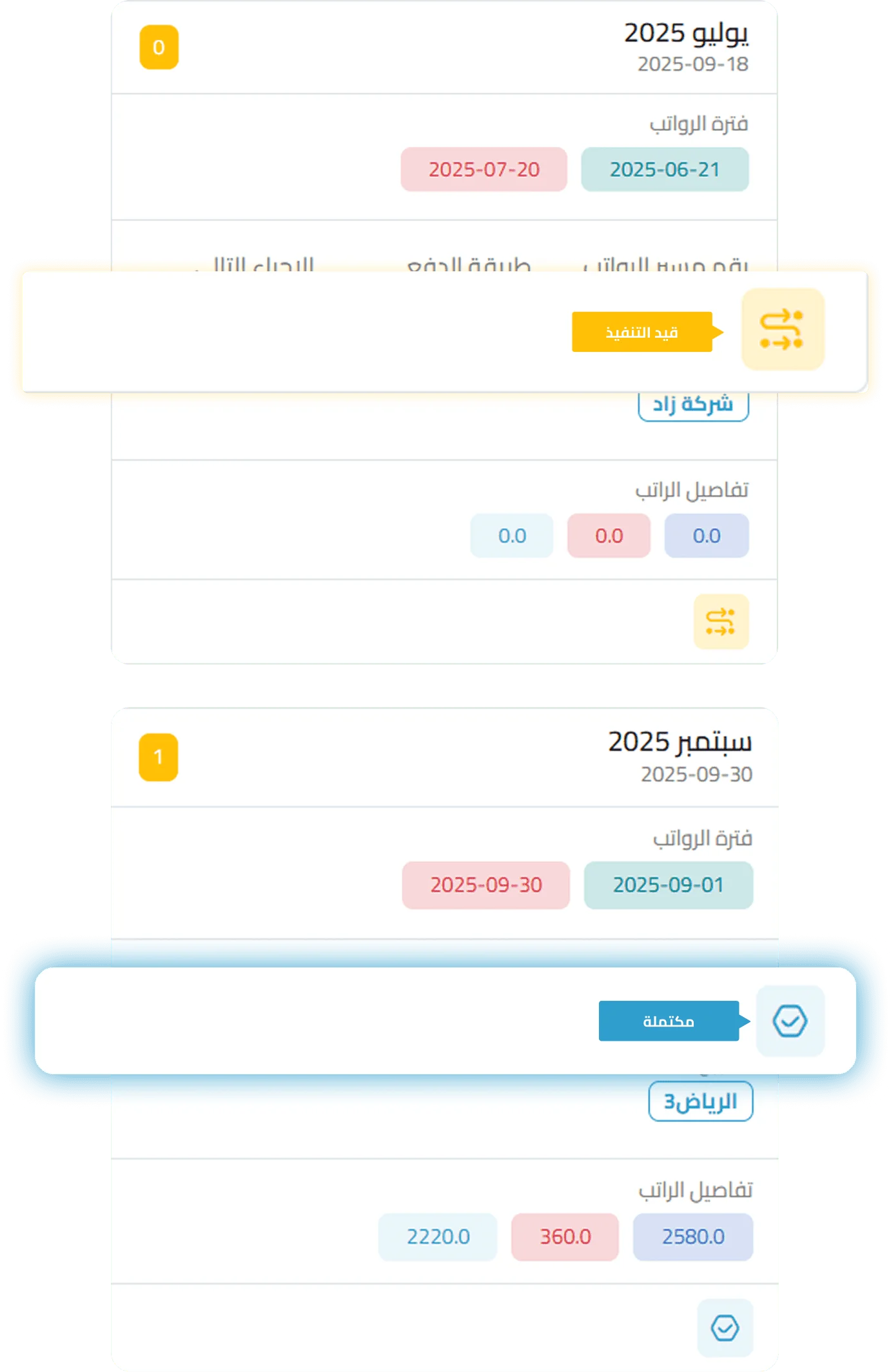
Status indicators and concise cards that bring the most important items to the surface.
Better decisions, faster
A unified color system and proactive alerts before any compliance risks.
Consistency everywhere
Standardized icons, buttons, and layouts across all screens for a familiar, reliable experience.
What’s new compared to the old interface?
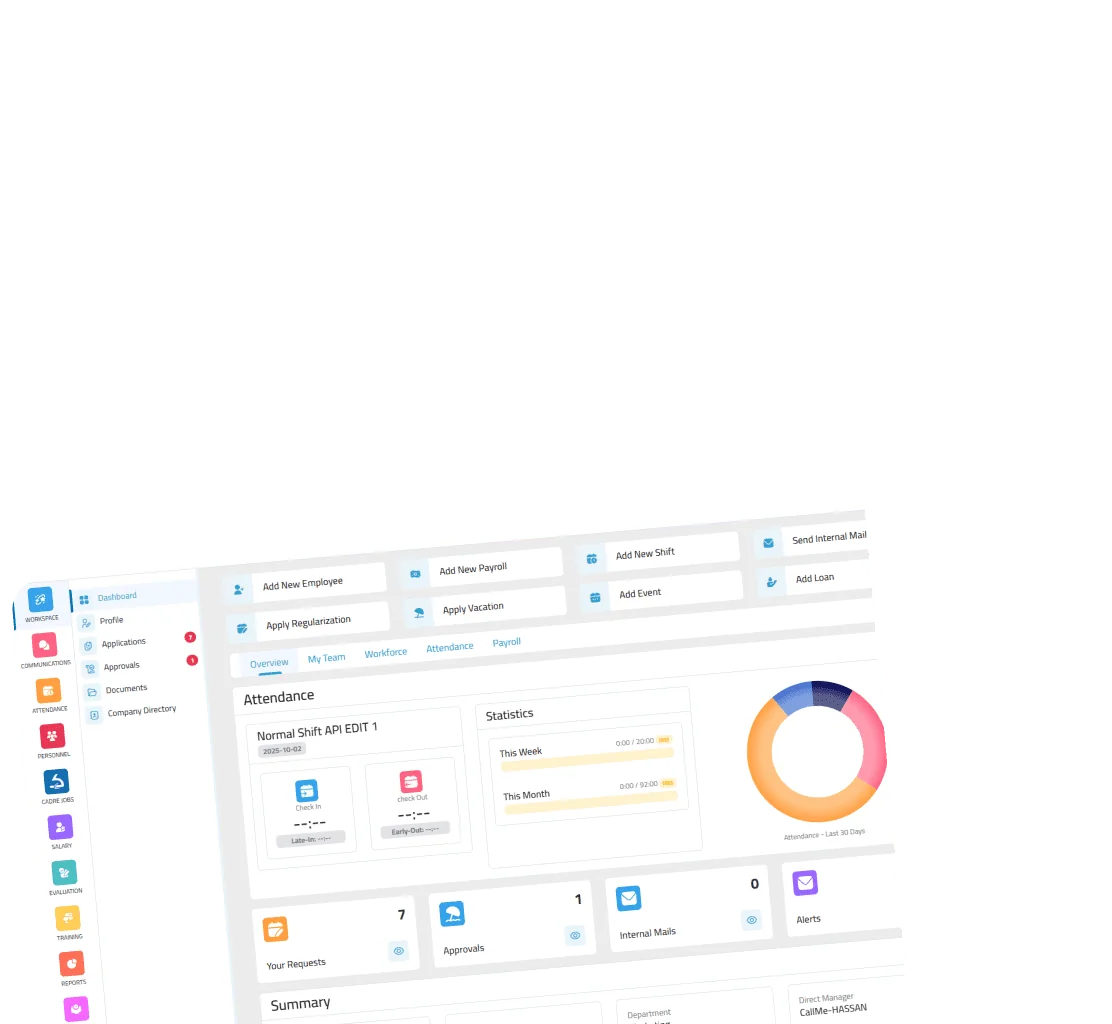
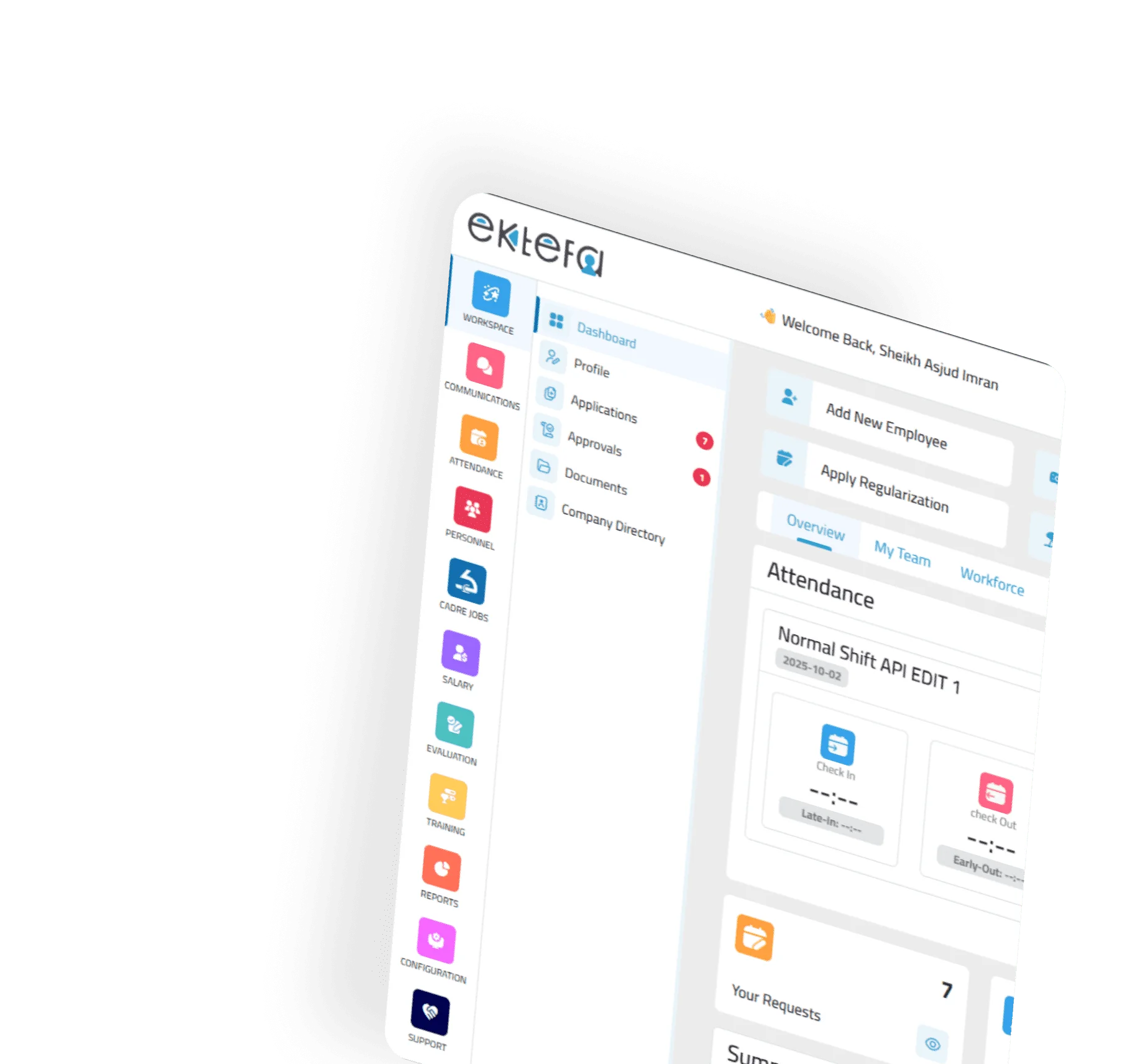
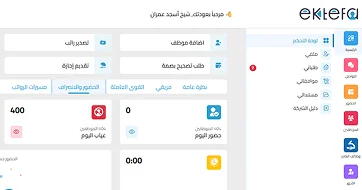
One Quick Action Bar
Access core functions instantly without unnecessary navigation.
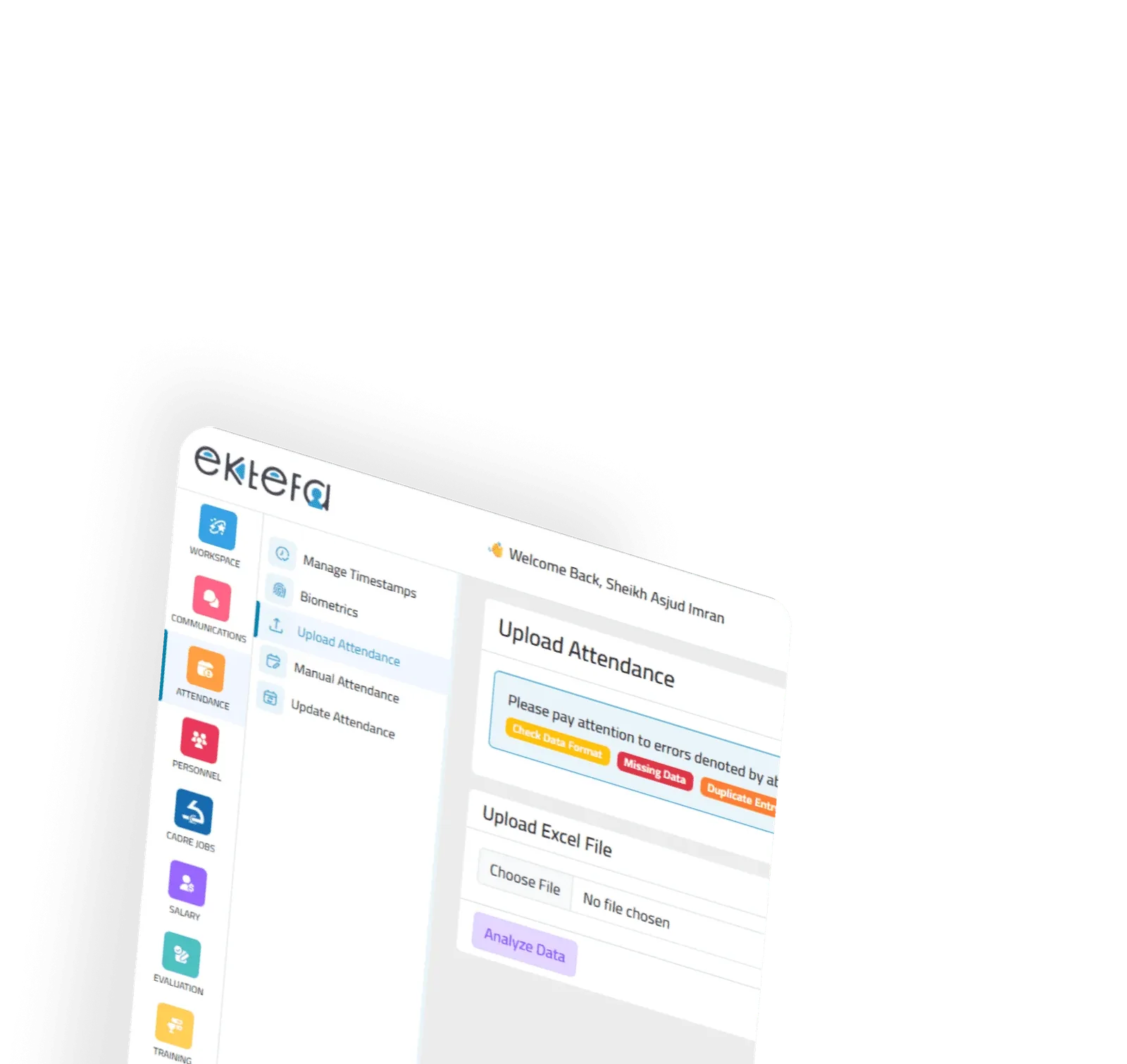
Smarter Attendance Dashboard
Color-coded visuals that distinguish punctuality, delays, and excused absences
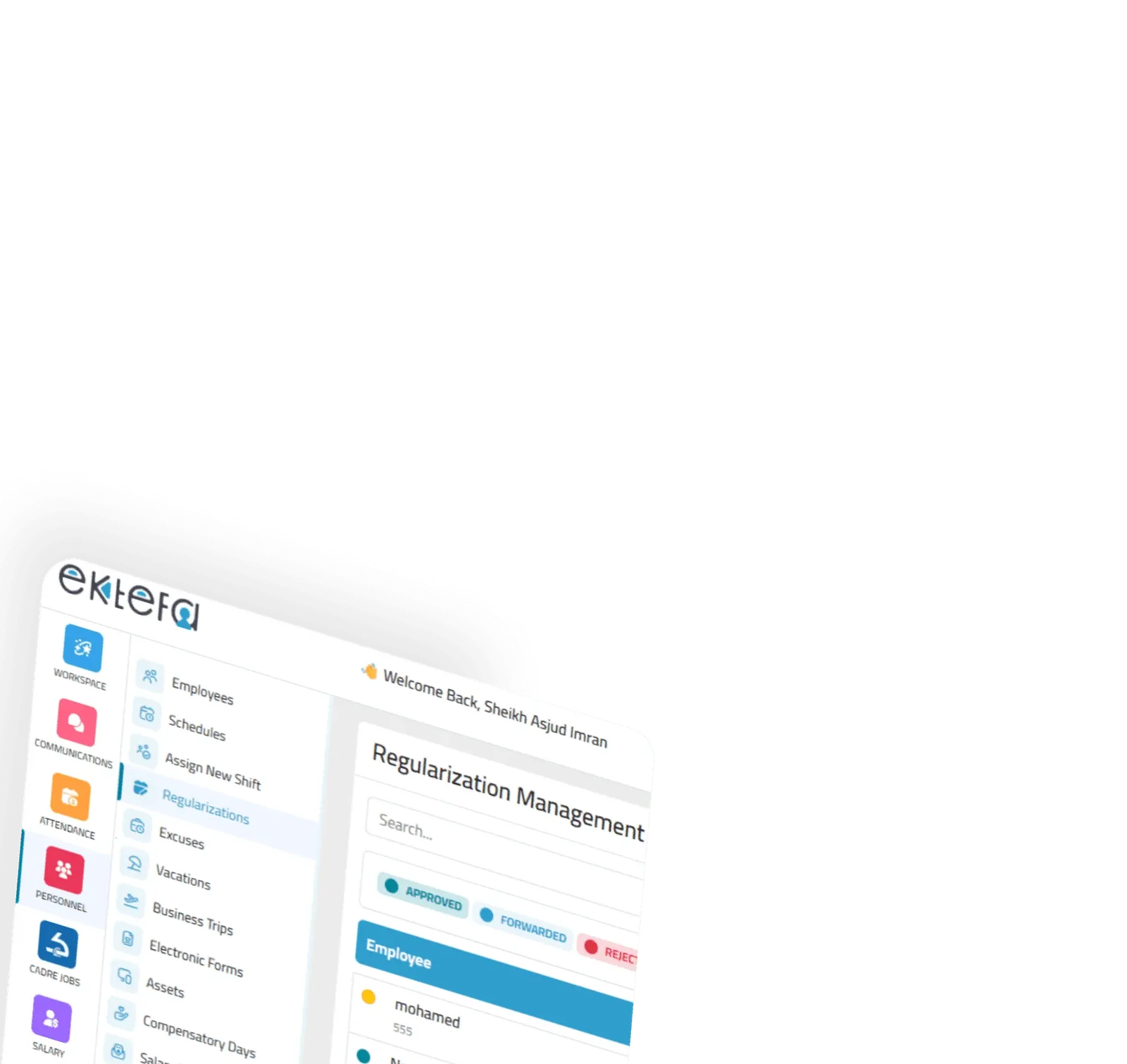
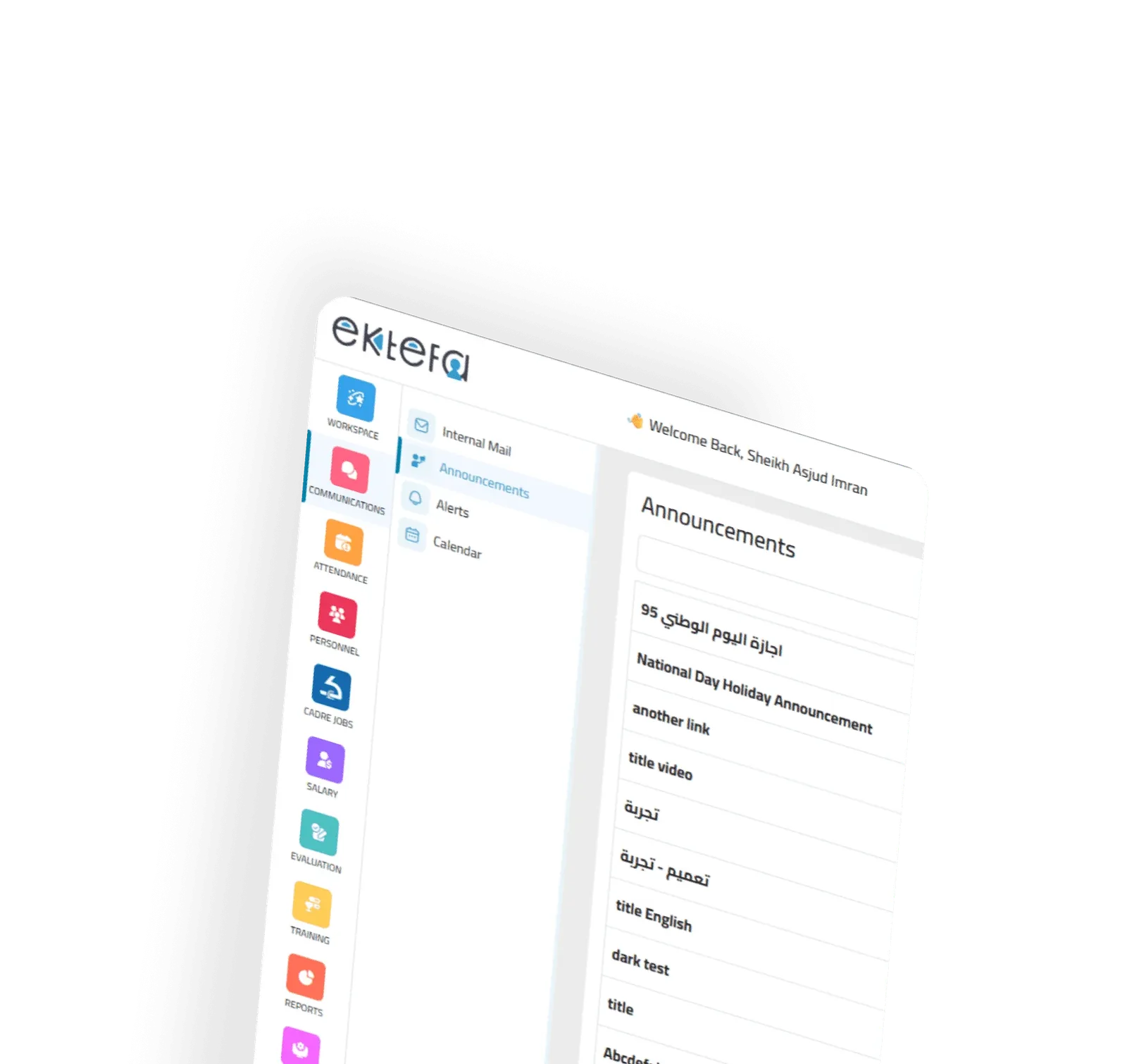
Refined Side Navigation
Clean icons and active highlights so you always know where you are.
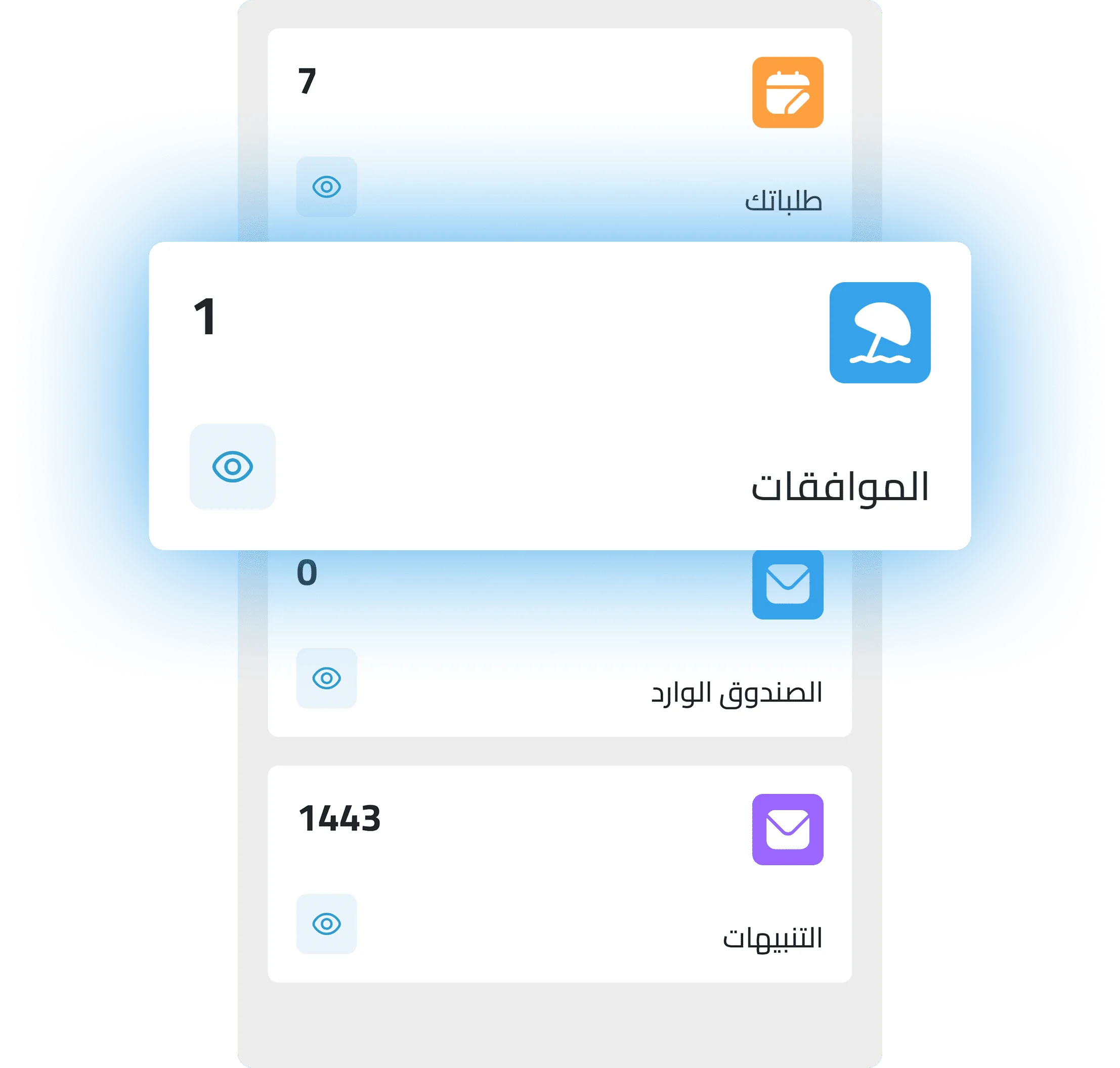
Compact KPI Cards
Requests, alerts, approvals — all summarized in one place with clear status markers.
Enhanced Search
Find employees, requests, or reports from a single unified search with instant suggestions.
Understanding the color system
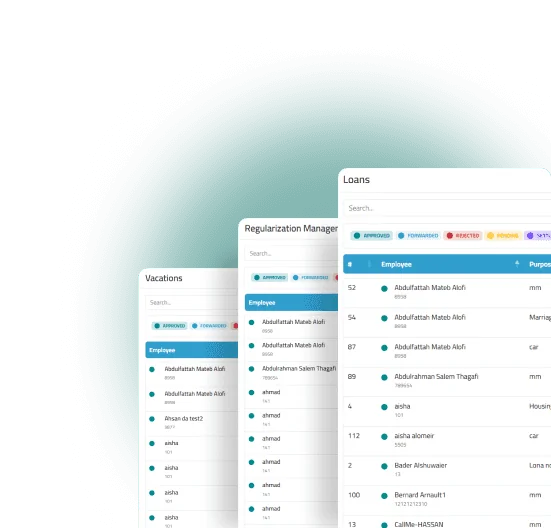
Green
Success / Approved (completed tasks, confirmed requests).
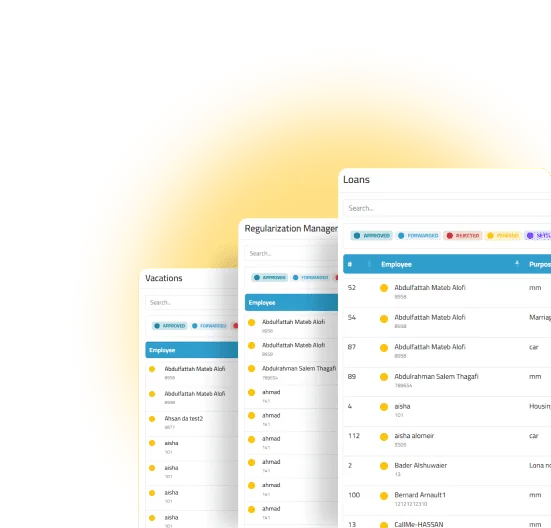
Yellow / Orange
Alerts / Requires follow-up (approaching deadlines, pending issues).
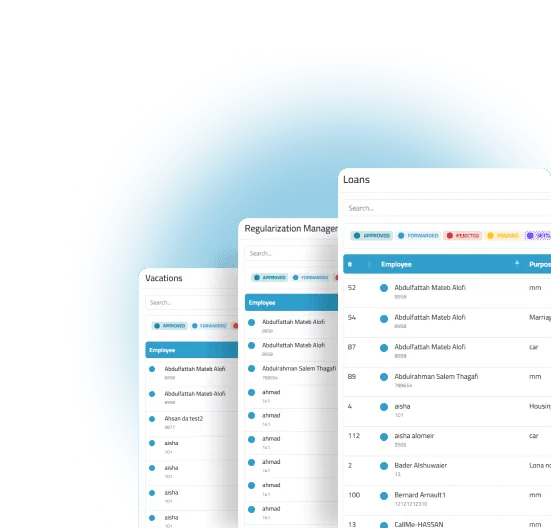
Blue
General information (guidance, quick insights).
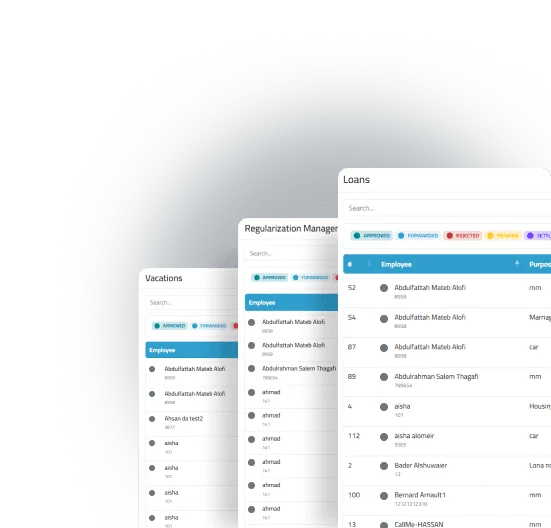
Gray
Neutral / Inactive (secondary or defer="defer"red items).
This visual language ensures faster reading and quicker decision-making across all modules.
Practical examples
Attendance Officer
Instantly identifies delays in orange and drills down to the employee list.
Department Manager
Receives concise blue notifications for new leave requests, with green confirmations upon approval.
Payroll Team
Views a “Payroll Closing” card with progress tracking and two-step completion.
Common questions
Have system functions changed?
The core remains the same — only the workflows are faster and more intuitive, with added enhancements.
Do I need training?
A short guided tour appears on first use, ensuring teams can get started confidently.